How To Turn Your Cruise Photos Into A Cruise Photobook You’ll Actually Look At
 How To Turn Your Cruise Photos Into A Cruise Photobook You’ll Actually Look At
Where are the photographs from your last cruise right now?
If you are anything like me, they are probably sitting on your phone amongst thousands of other photographs.
And although you took them because you wanted to remember all those incredible places, experiences and moments from your cruise, how often do you actually go back and look at them? I realised that I hardly ever did.
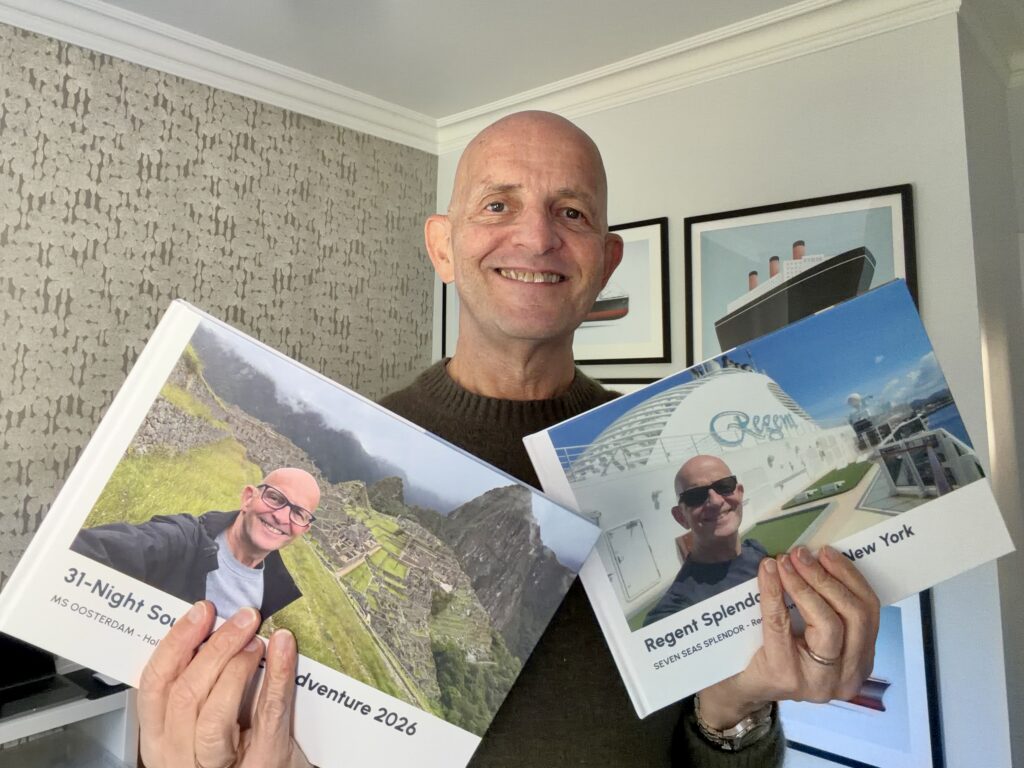
That is why, after cruises that have been particularly significant or memorable to me, I have increasingly started making a cruise photobook.
It gives me something physical that I can pick up and look through whenever I want to revisit the trip. It is also much easier to sit down with friends and family and share the whole story of the cruise with them.
I have used several different photobook companies over the years. But I recently made one using the new The Cruise Maps Photobooks, and I found there were two things that made it particularly suited to cruises.
It Includes A Map Of The Route My Ship Actually Sailed
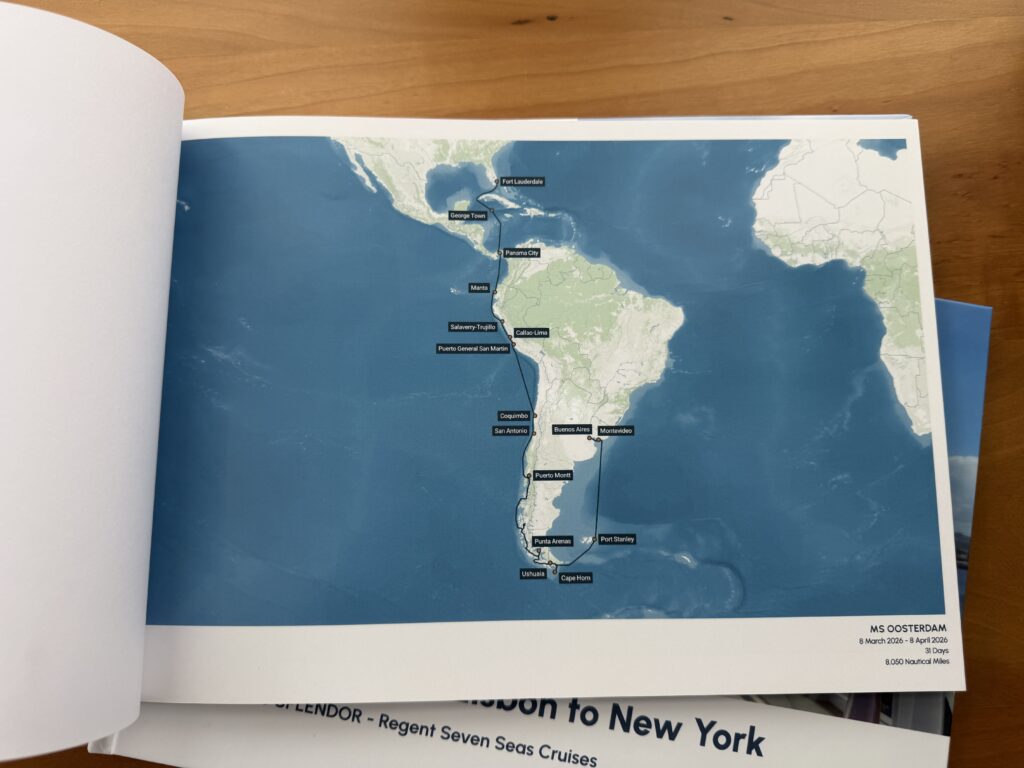
This is the feature that, for me, really sets The Cruise Maps Photobooks apart from the other photobooks I have made.
Right at the beginning of the book is a personalised The Cruise Maps map showing the route my cruise ship actually sailed.
The route is created using the ship’s AIS tracking data. That is important because it means the map is not simply a graphic based on the itinerary that was originally scheduled. It records where the ship actually went.
Cruise itineraries can change because of weather, sea conditions, port closures and operational decisions. So, the voyage you actually experienced is not necessarily exactly the same as the one shown on the itinerary when you booked.
Having the actual sailing route in the photobook helps tell the complete story of the trip.
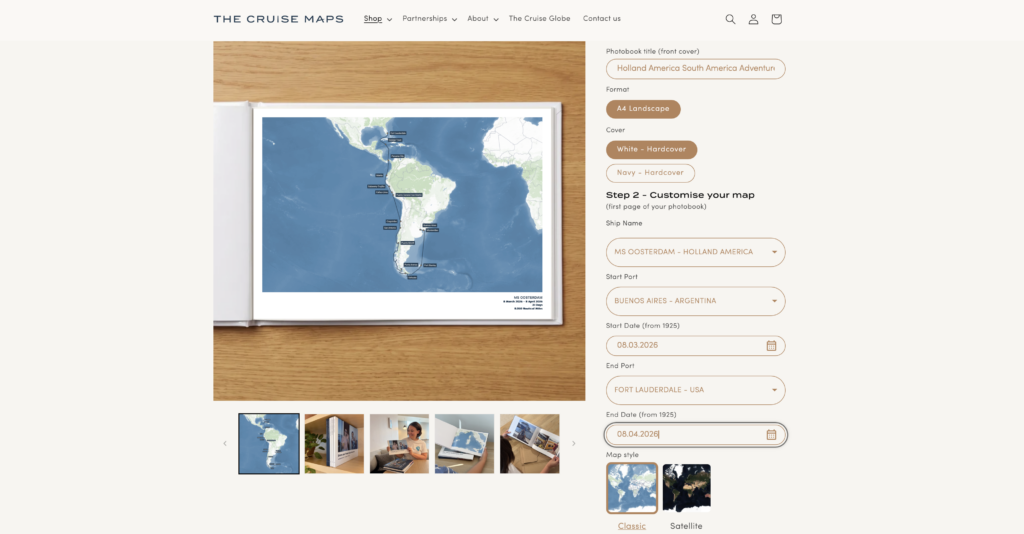
You Can See Your Cruise Map Before Making The Book
I also liked how straightforward it was to find the map.
When I started creating my photobook, I simply entered my cruise ship and the dates I sailed. The Cruise Maps then found my cruise and showed me the map of the route before I had even started adding my photographs.
So you can see the journey that is going to form the basis of your book before you commit time to putting it together. I think that is rather clever.
Adding My Cruise Photos Was Much Easier Than I Expected
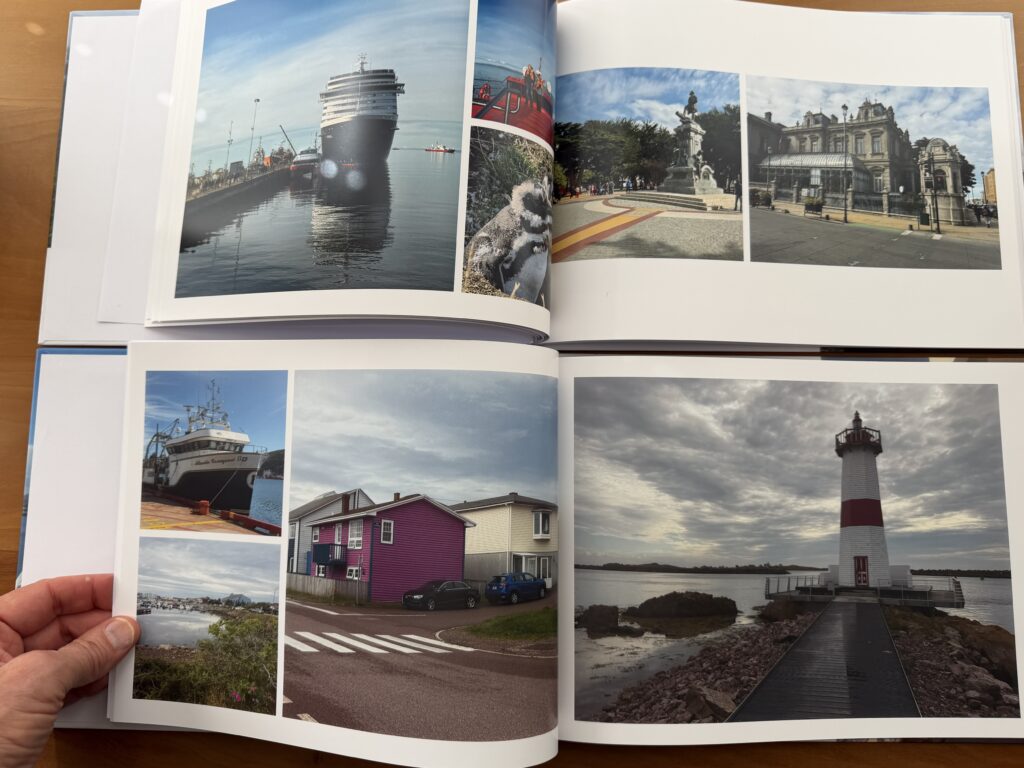
The second big difference for me was how easy I found it to actually make the book.
This has sometimes been the part of making photobooks that I have found frustrating in the past. You start enthusiastically, then spend ages uploading photographs, moving them around, resizing them and trying to decide how many photographs should go on every page.
With The Cruise Maps Photobook, I could upload my photographs directly from my phone into the online creation tool.
Once they were uploaded, the system suggested layouts for the photographs for me.
I could, of course, change those layouts and move photographs around if I wanted to. But I found I needed to make relatively few changes. That made the process considerably faster and easier than some of the other photobooks I have created over the years.
Your Cruise Photos Tell A Story
For me, though, there is a bigger reason for doing this.
A collection of 500 photographs sitting on my phone is not really telling the story of my cruise.
They are just 500 individual images.
Put the best of those photographs together in the right order, combine them with a map of where the ship actually sailed, and suddenly they become the story of the journey.
There is the ship. The places I visited. The things I did. The people I travelled with. The memorable meals, excursions, sailaways and unexpected moments.
And, importantly, the route that connected all of those things together.
That is what I like about having the map at the beginning of a cruise photobook. It gives everything that follows context.
A Way To Actually Revisit Your Cruise
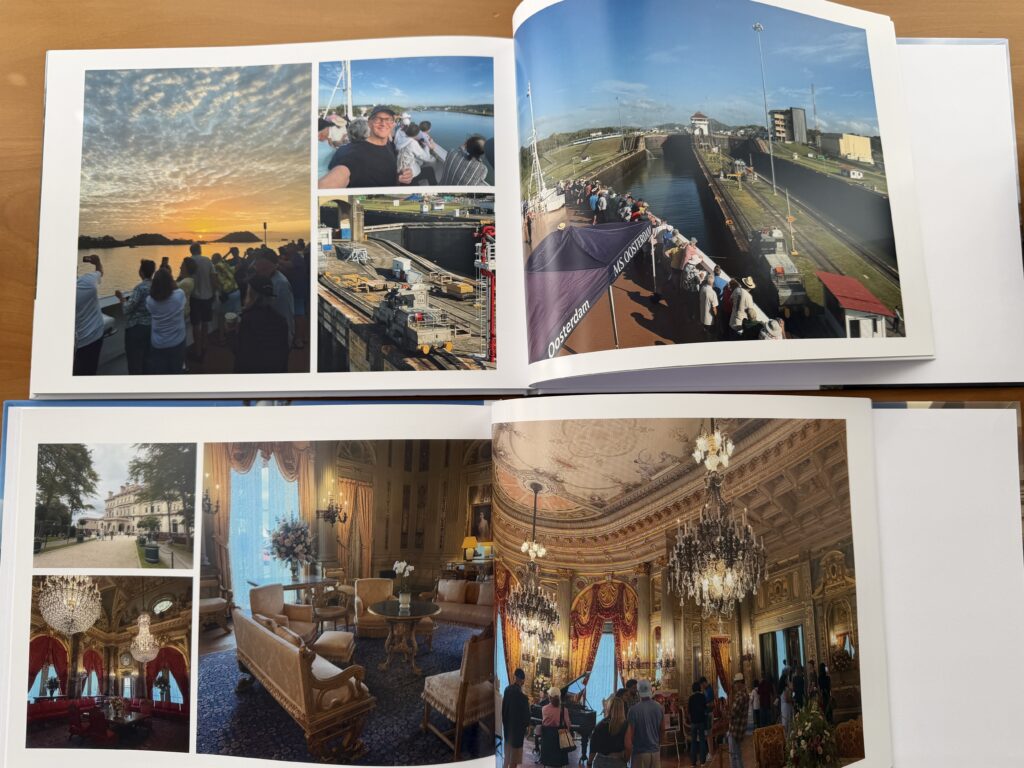
I have been fortunate to take a lot of cruises, and something I have learned is that however vivid the memories feel when you first get home, details eventually start to fade.
You remember the major moments.
But which cruise was that particular photograph from? Which port came next? Where exactly did the ship sail between those destinations?
Having a photobook means I do not have to rely entirely on my memory — or start scrolling through thousands of photographs trying to reconstruct the trip.
I can simply pick up the book.
It is also something I can leave on a table, show friends and family, or pull off the shelf years from now.
For me, that makes those photographs much more valuable than leaving them buried on my phone.
How To Make A The Cruise Maps Photobook
The process I followed was essentially:
- Enter the cruise ship and dates of the sailing.
- Check the personalised Cruise Maps route that the system finds.
- Upload the photographs from the cruise — I could do this directly from my phone.
- Let the system suggest layouts for the photographs.
- Make any changes or adjustments I wanted.
- Order the finished photobook.
I found the whole process much easier than I had expected.
10% Off The Cruise Maps Photobooks
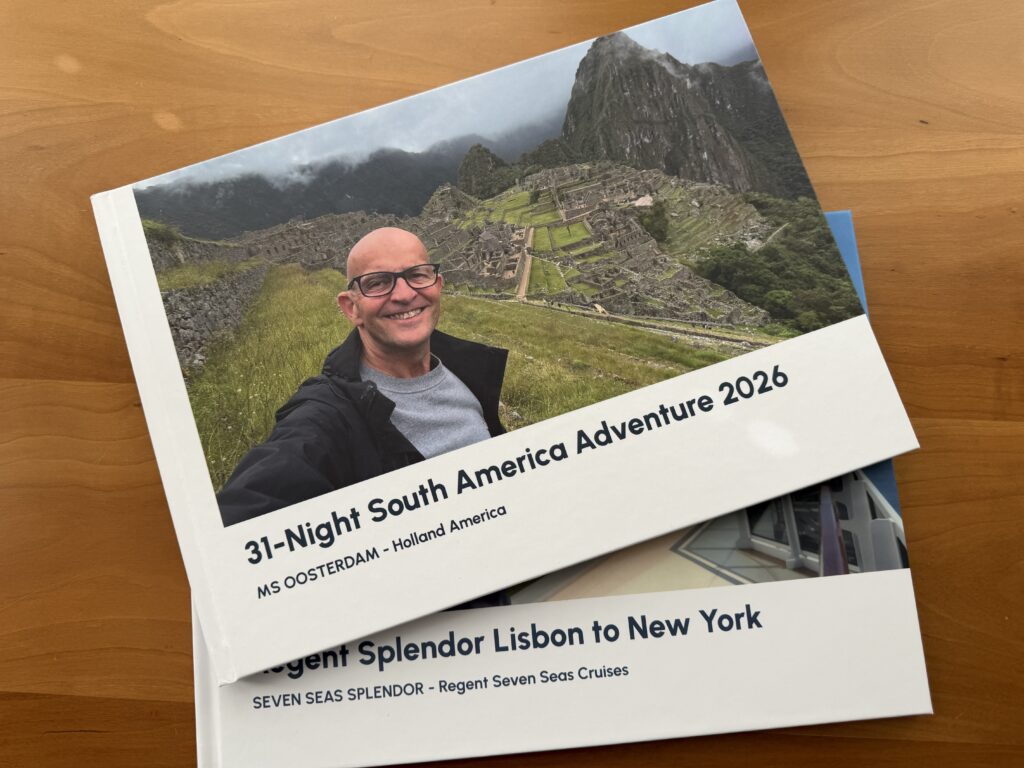
If you have hundreds of photographs sitting on your phone from a particularly memorable cruise, perhaps it is time to do something with them.
Turn them into something you can revisit over and over again, and something that lets you share the story of your cruise with friends and family.
If you would like to make your own The Cruise Maps Photobook, I have arranged a 10% discount for Tips For Travellers followers.
Use my link:
https://www.thecruisemaps.com/TFT
The 10% discount should be automatically applied when you order.
If you do not use that link, enter the code TFT where it asks for a discount code.
Then perhaps, rather than asking where all the photographs from your last cruise have disappeared to, you will have the whole story of that cruise sitting on your bookshelf.
For more Tips For Travellers offers and discounts including off excursions, eSims and more visit https://www.tipsfortravellers.com/special-offers/
Sign up to my Newsletter and never miss another post, and get bonus tips, content, and offers not posted on the blog

Discover more from Tips For Travellers
Subscribe to get the latest posts sent to your email.